zerk.color
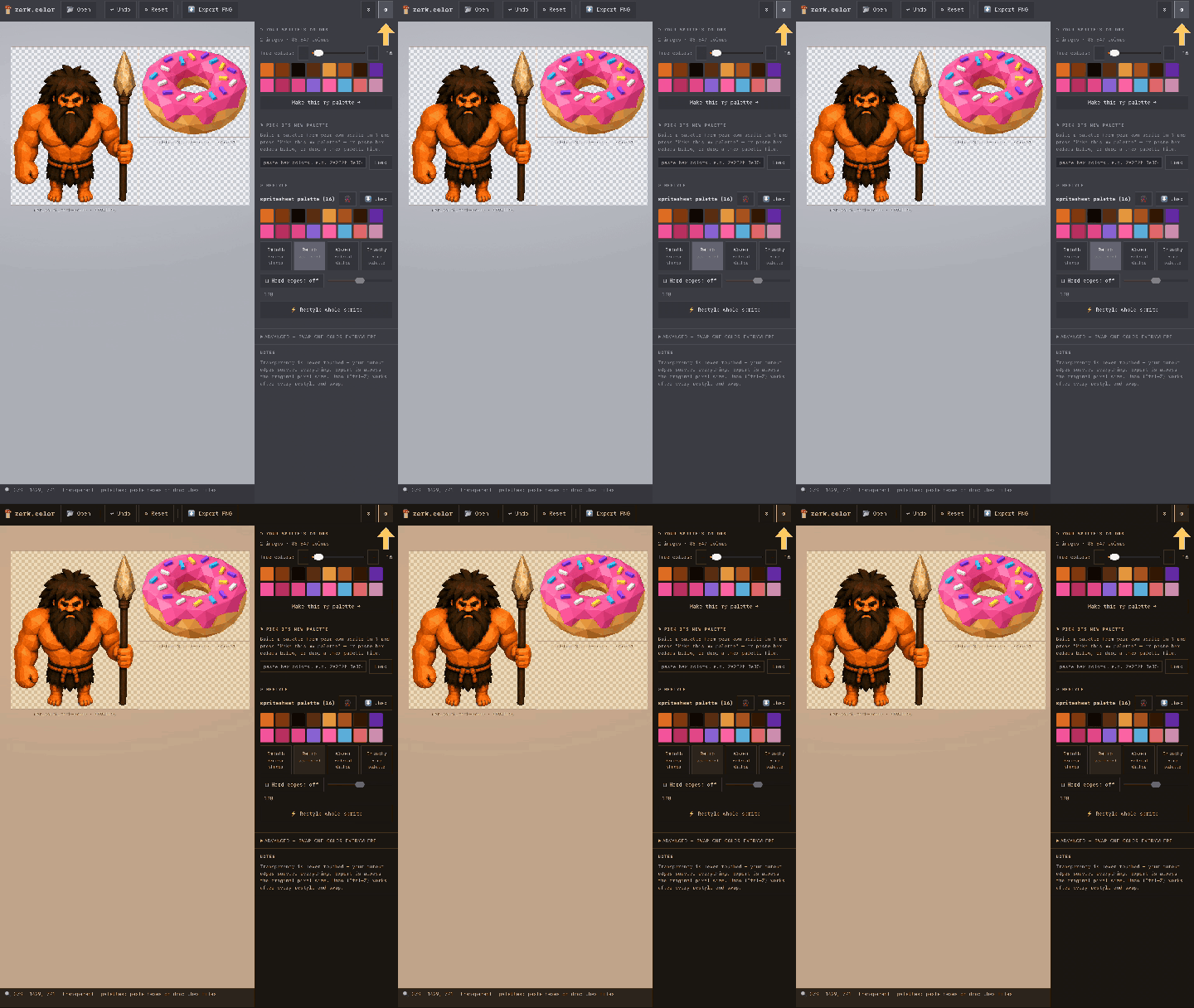
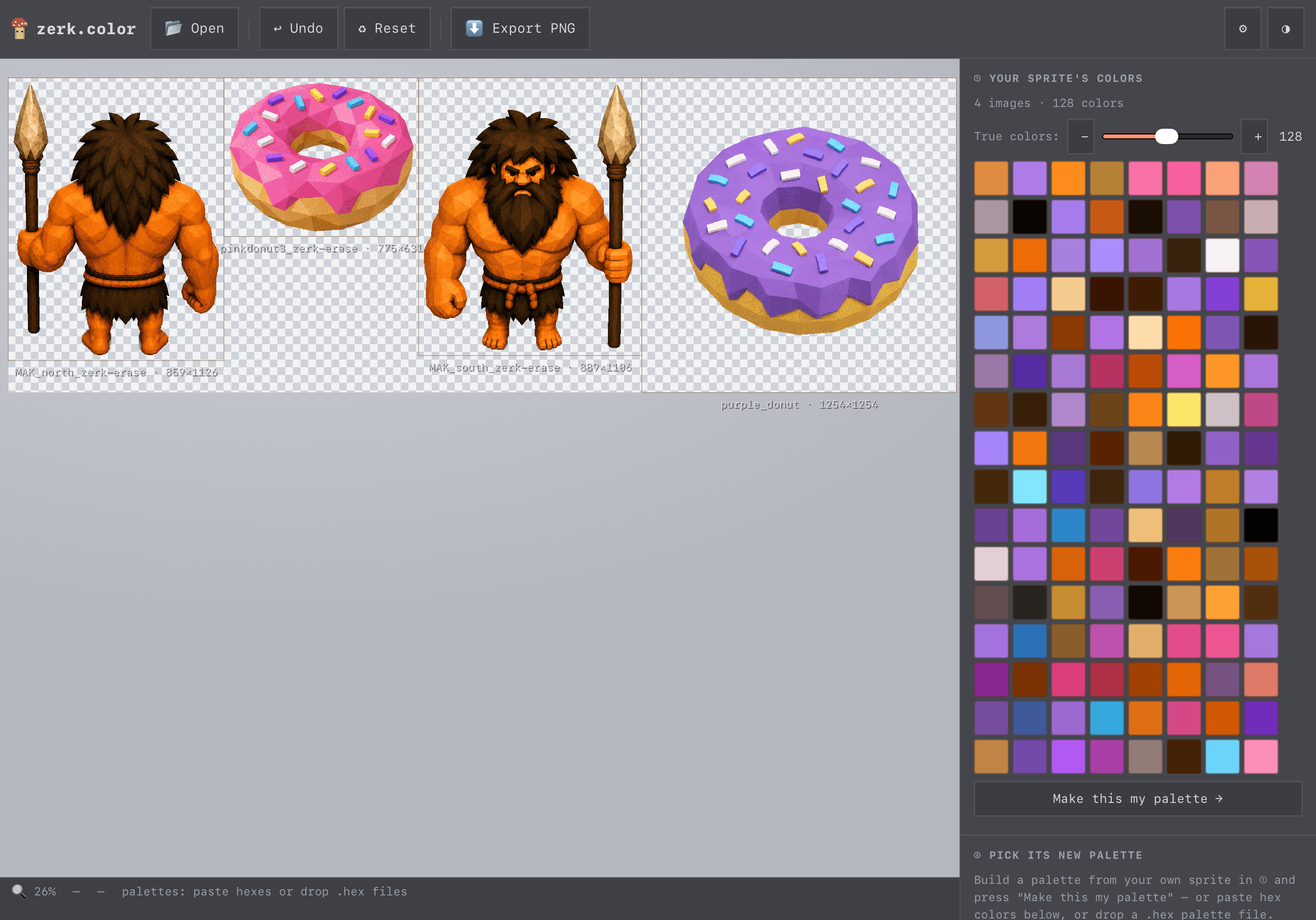
zerk.color is a free browser-based batch recoloring tool that runs offline.
drop in a sprite(s), choose a palette, and recolor in one click.
what it does
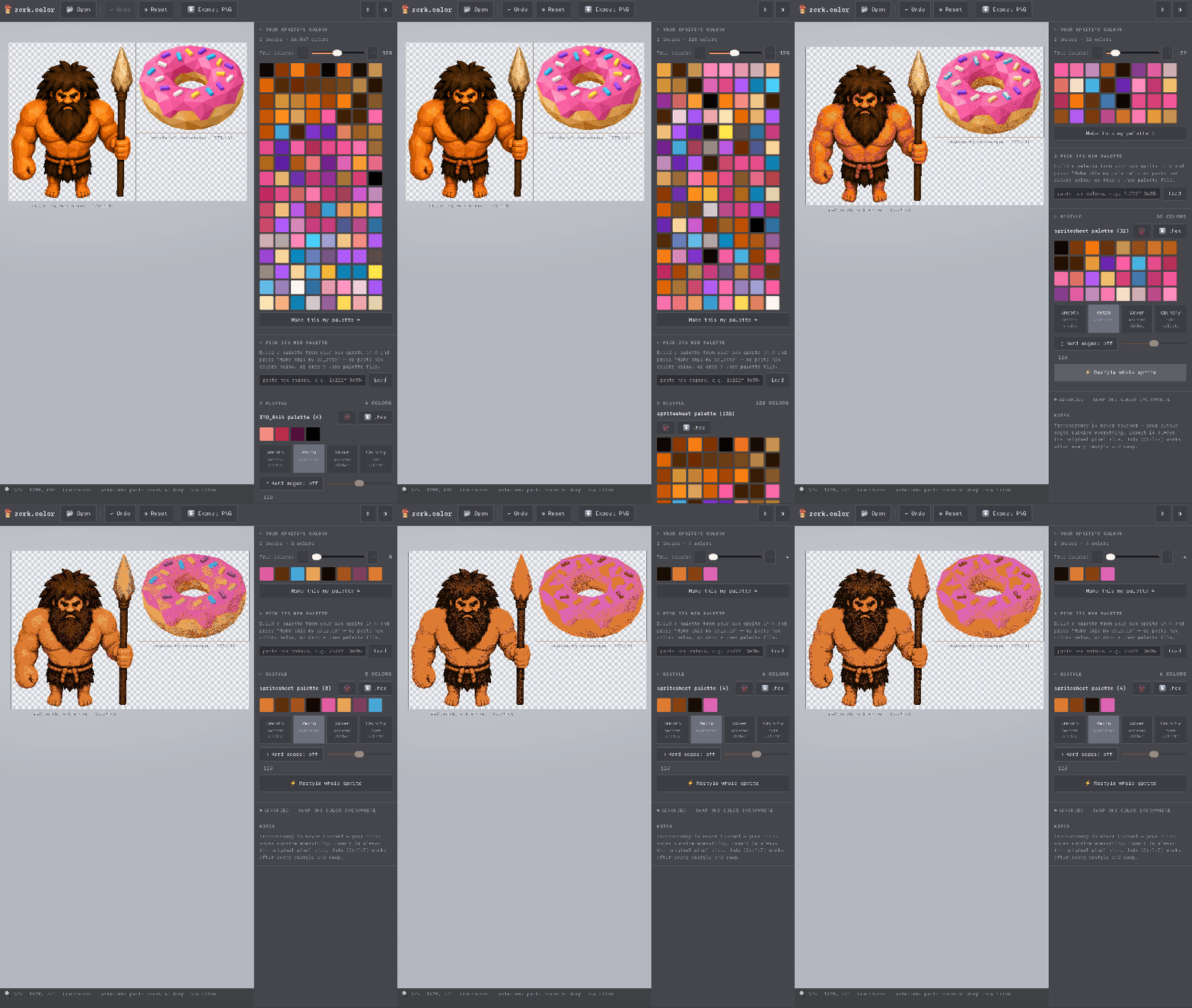
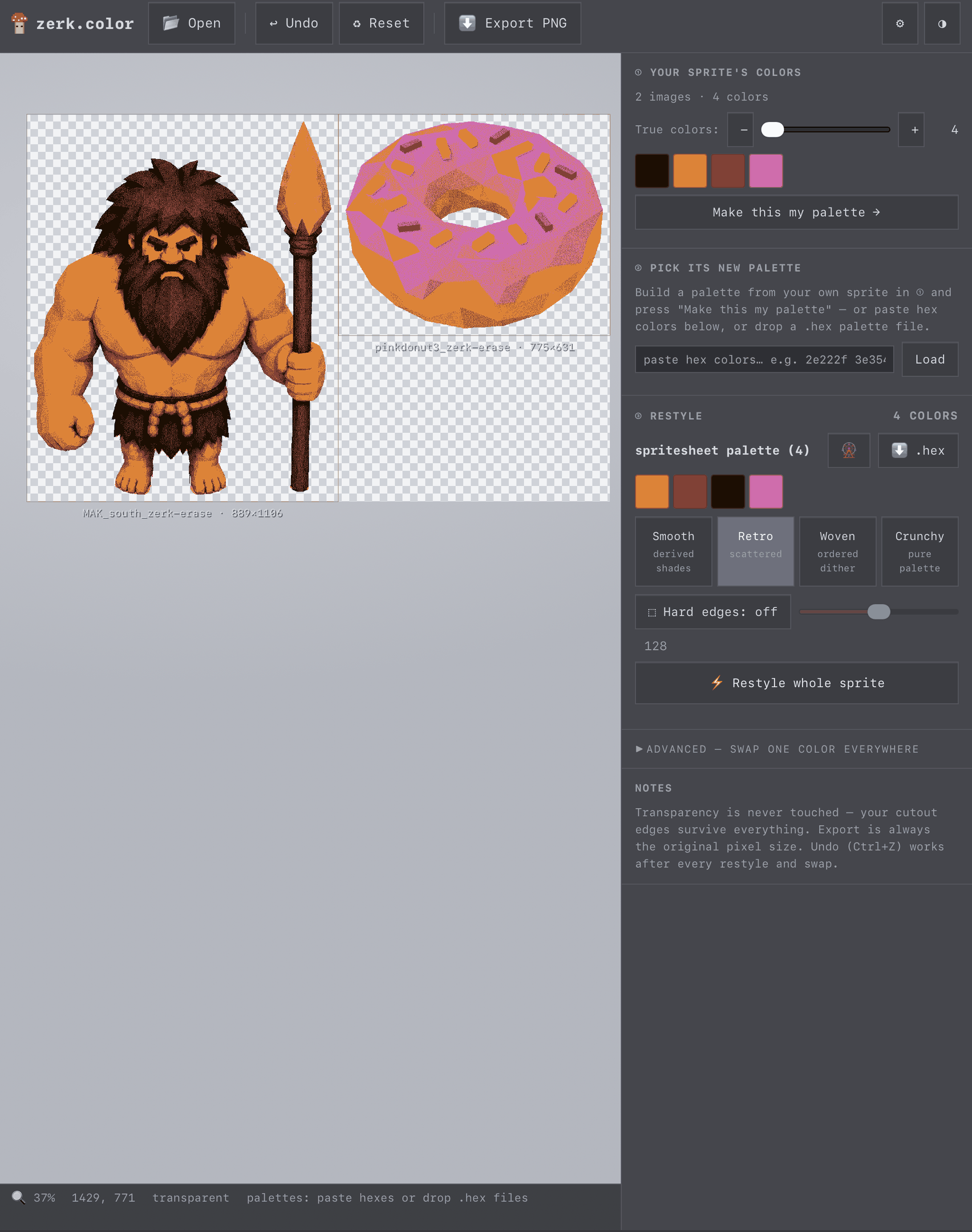
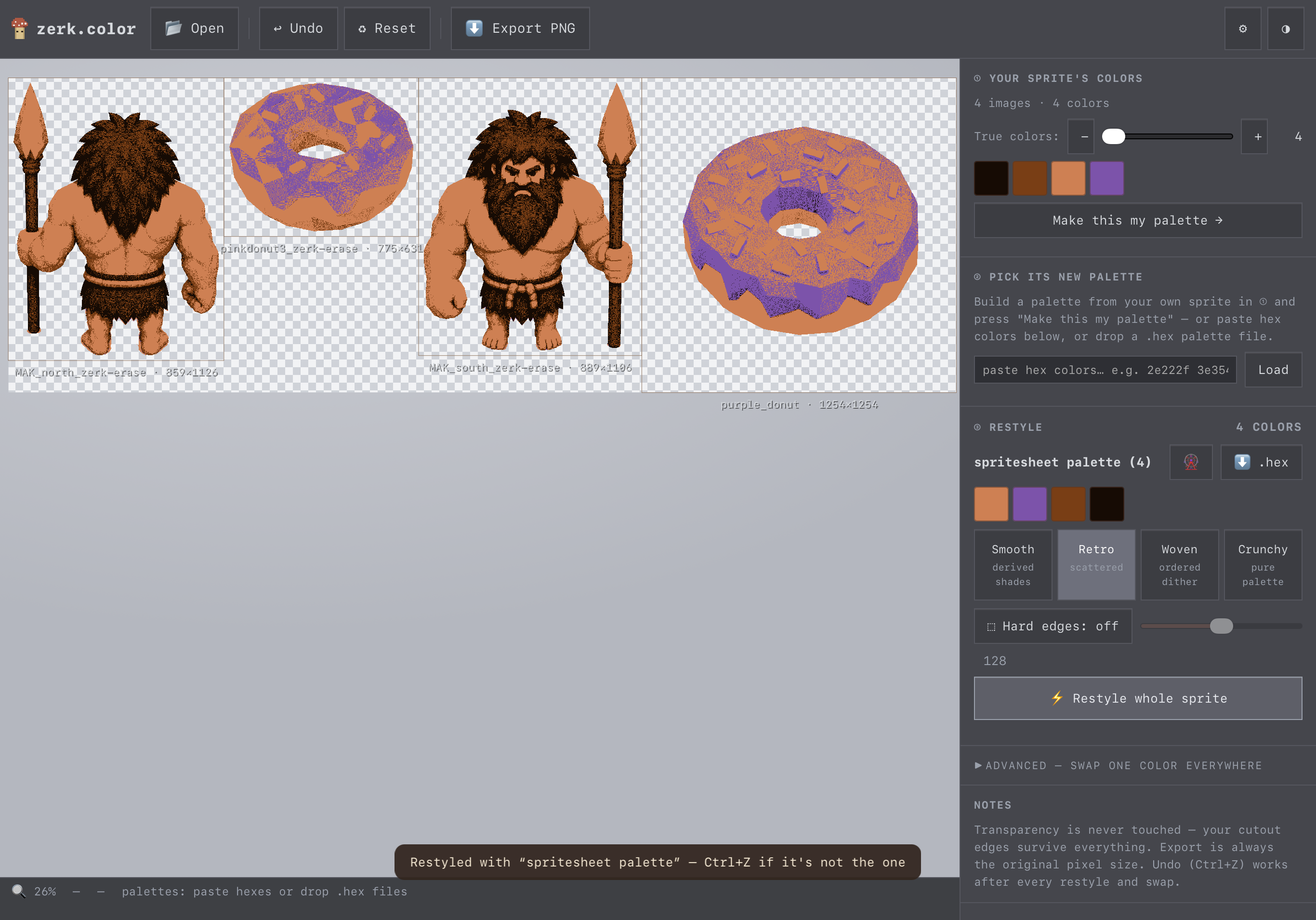
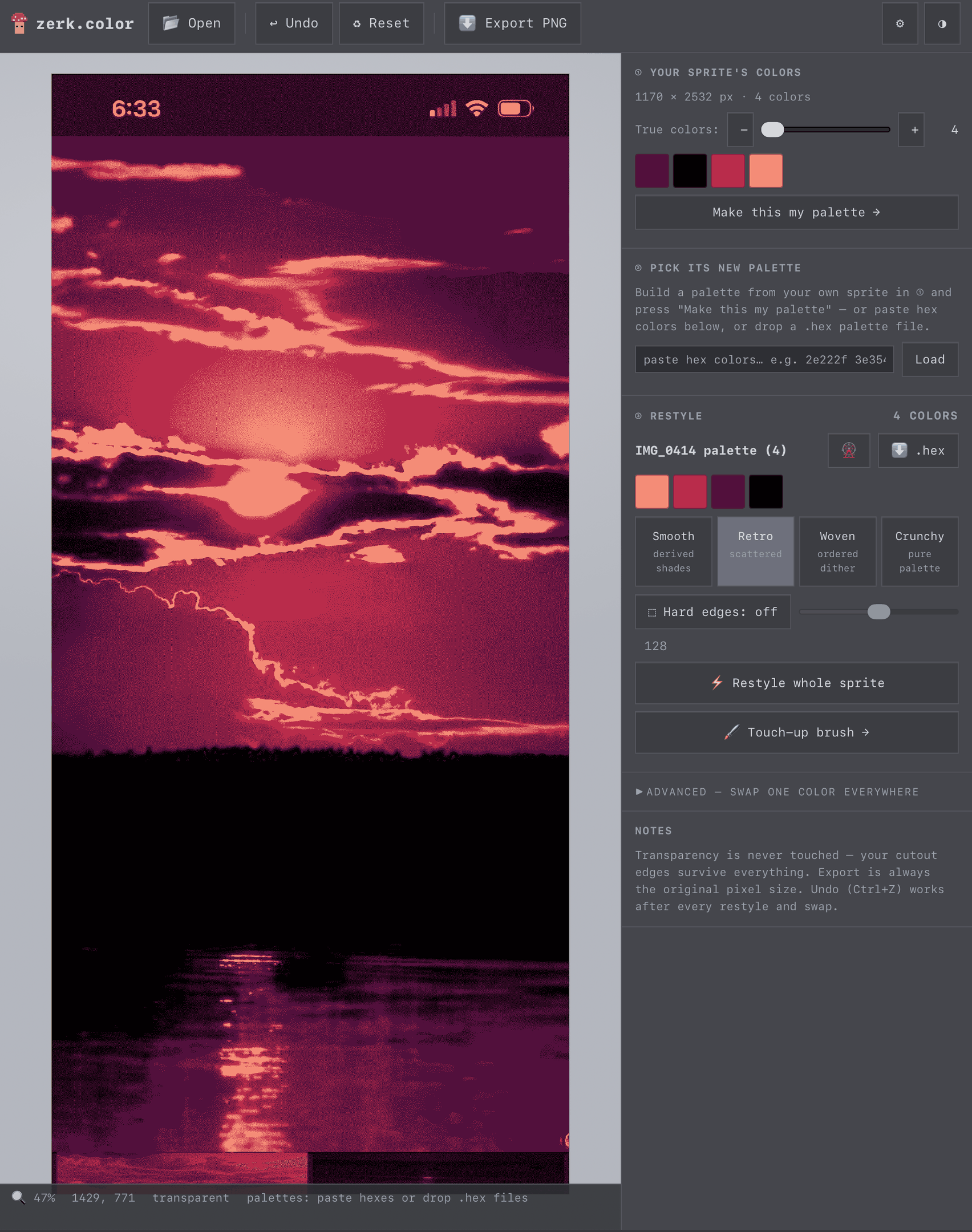
- recolor to any palette: smooth shades, pure colors, or two dithering styles
- hard edges mode strips half-transparent pixels for proper pixel art
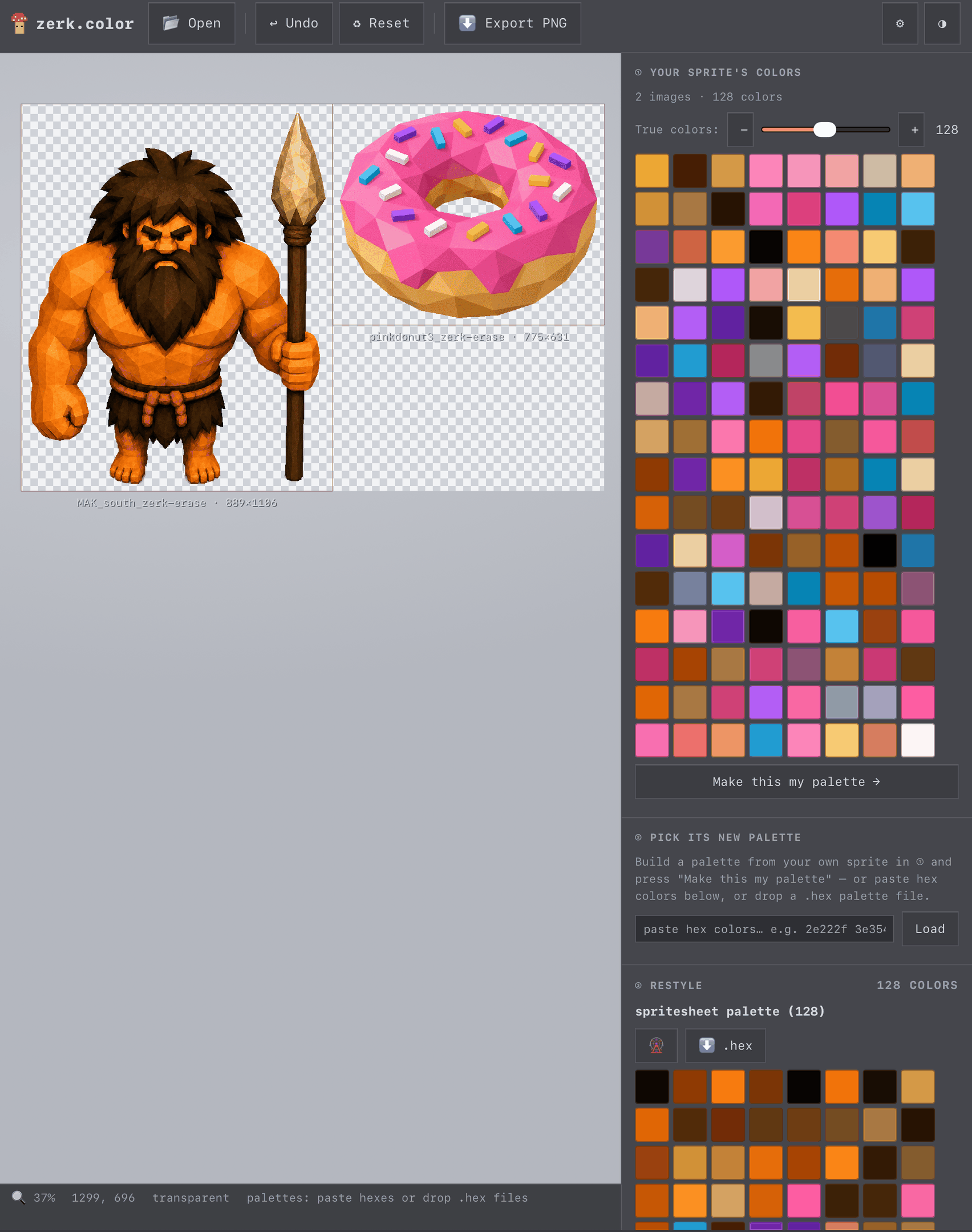
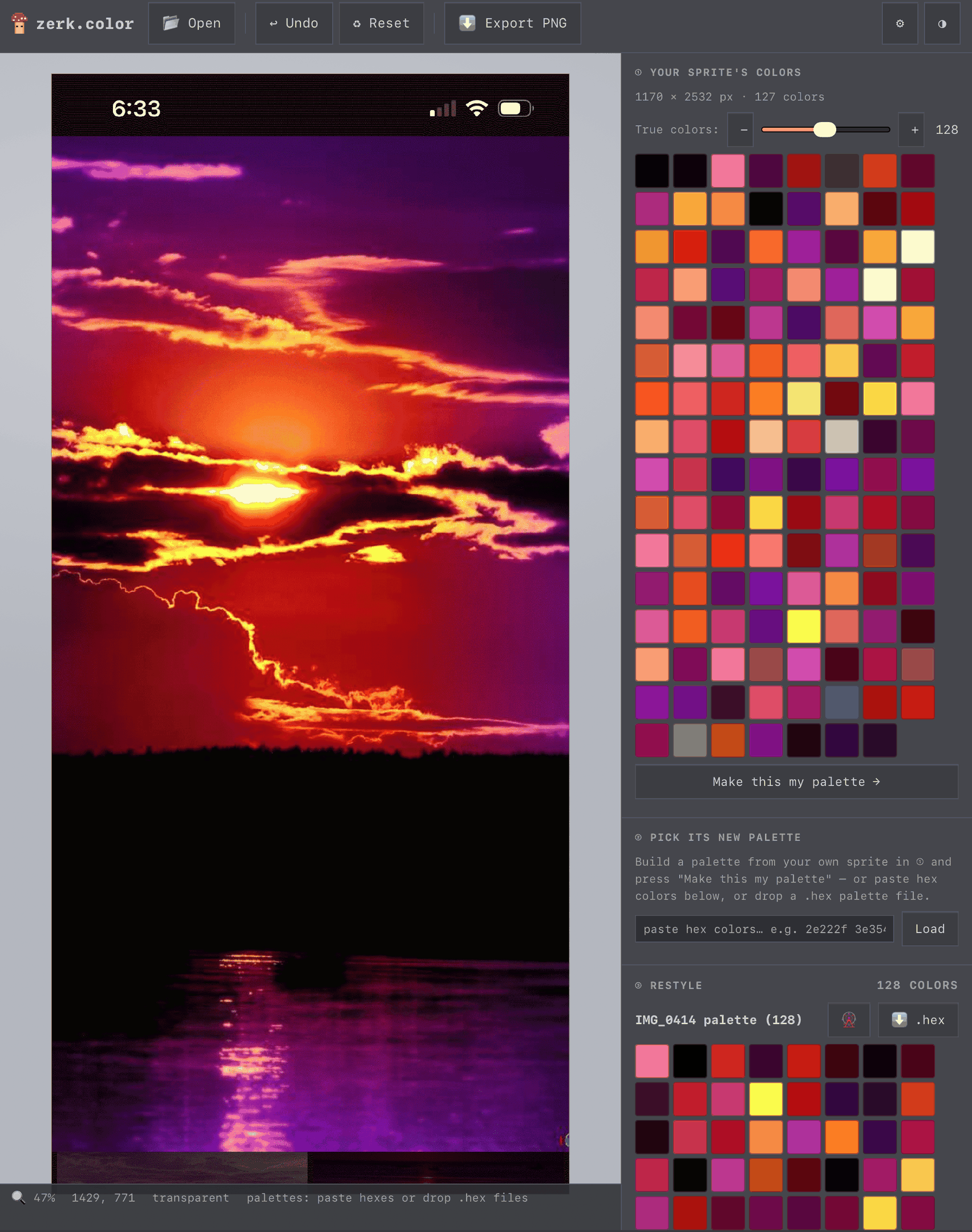
- build a palette of 4 to 256 colors — from the sprite, another sprite, a photo, or a screenshot — or import a .hex file
- batch up to 8 sprites onto one shared palette-- export as separate pngs or one spritesheet
- built-in touch up editor: brush, color picker, lasso, shading-aware fill
your images never leave your device.
exports keep the original pixel size and transparency.
mouse, touchscreen, or apple pencil.
on iPad, the first recolor at a new color count takes about five seconds.
*iPad note: open your image before going fullscreen — Apple doesn't allow file-picking inside fullscreen, so tap ✕ out first if you need to load another*
*iPad note: it took 10-15 seconds to render new palettes on the photograph i uploaded. it contained over 430,000 colors, it takes time to render those down*
so I made these tools because I needed them.
and I'm sharing them because I found them to be useful.
hopefully they help.
need clean sprites first? try the companion tool, zerk.erase.
Leave a comment
Log in with itch.io to leave a comment.